
How Muse Turned a Messy Downloads Folder Into Order
A downloads folder was a total disaster and nothing could be found. See how Muse trashed old installers and gave photos and documents their own folders.
Watch the matching Short on YouTube.
My downloads folder was a total disaster, and I could not find anything. That is the honest starting point of this Short, and many people will know the feeling. A folder that should help you keep things becomes the place where things go to be forgotten. When you need something, it is in there somewhere, but finding it feels like a job in itself. The mess had grown to the point where the folder was no longer useful at all.
A folder that stopped being useful
The problem was not one messy file. The whole folder was a disaster, and the result was simple. I could not find anything. That is what the script keeps coming back to, and it is worth sitting with for a moment. A downloads folder only works when you can open it and lay your eyes on what you need. Once you cannot, every small task that depends on it gets slower and more annoying.
Asking Muse to organize the mess
I asked Muse to organize the whole mess for me today. That is the ask, said in plain and simple words. No long list of instructions fills the Short, and no careful sorting by hand comes before it. The request was to take the whole mess, as it was, and organize it. That is a nice way to think about the moment. The folder was already a disaster, so the help needed to start right there, with the mess as it stood.
Allow once, or deny
Before it got to work, Muse asked first. The choice in the Short is allow once, or deny. I said allow once. Those few words matter, because they keep the choice with me. Muse did not just begin moving things around. It asked, I chose, and only then did the cleanup move forward. If you watch the Short, that pause is given its own moment, right between the ask and the result.
Installers to trash, and folders for the rest
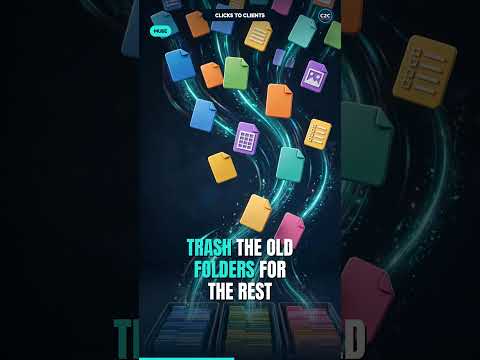
Old installers went to trash. Photos and documents got their own folders. That is the sorting the script describes, and it is easy to picture. The old installers, the things that were just taking up space in the mess, were removed to the trash. The photos and the documents, the things worth keeping and finding again, were each given their own folder. The mess was not just stirred around. It was sorted into places that make sense.
A clean desktop, in just minutes
The result was a clean desktop, with every single file in its place, in just minutes. That clean ending is the payoff of the Short. The folder that began as a total disaster ended up tidy, and the files that had been lost in the mess now had a place. The feeling changes with the folder. Instead of opening it and giving up, you can open it and find what is there.
If you want to see more simple Muse ideas like this one, visit the Videos page on Clicks to Clients and look for the Muse Guide playlist. It is full of short, plain tips you can watch one at a time.
Clicks to Clients is not an official partner of any tool company mentioned.